
SecureWV 2026 // October 22–23 // Scheduled hands-on learning
Workshops.
Built for the watch.
Move from ideas to practice. Build a Wazuh security lab, work through the Cybersecurity Framework, compete in the Sophos AI challenge, explore physical security design, or take an amateur radio license exam—exams for all license classes will be available.
Hands-on // Scheduled sessions
Make time.
Build skills.
These are timed workshops, rather than walk-in villages. Check the full time range before adding one to My Watch—the schedule prevents overlapping selections.
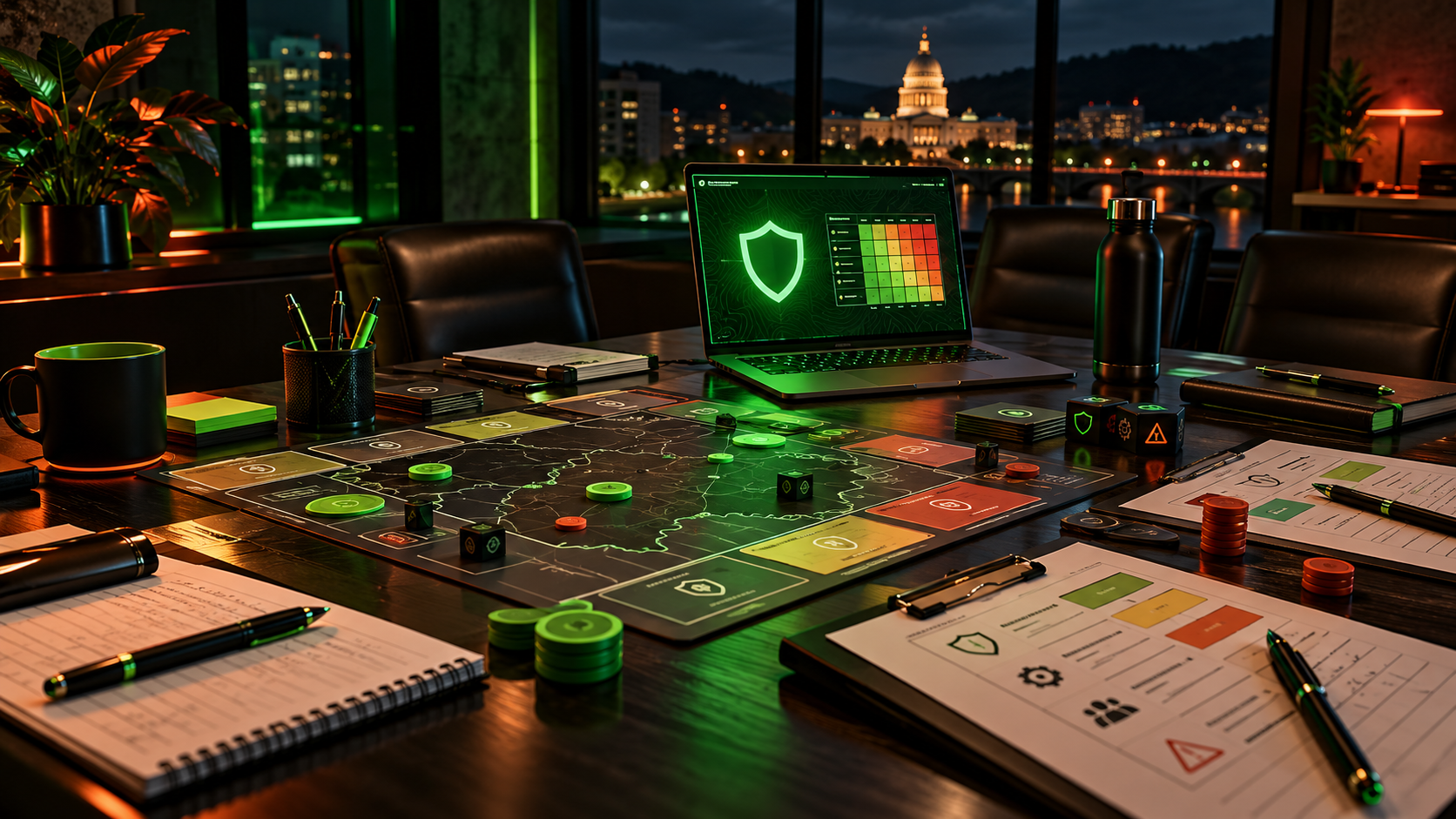
Threat Hunting with Wazuh
With Micah Brown
Build a foundation for threat hunting with Wazuh, an open-source SIEM and XDR platform, in this two-hour hands-on lab. Set up a Wazuh virtual appliance and a Linux client, deploy an endpoint agent, and explore the security data in the dashboard.
Learn how endpoint monitoring, log analysis, file integrity monitoring, vulnerability findings, and compliance views can support an investigation. This introductory lab focuses on building and exploring the environment, giving you a starting point for further threat-hunting practice.
10:00 AM–noon · 2 hours
Prepare before you arrive
- Bring a personal laptop with virtualization support.
- Install VirtualBox and download, import, and boot the Wazuh OVA before the workshop if possible.
- The Wazuh appliance in the handout requires 4 CPU cores, 8 GB RAM, and 50 GB storage; allow additional resources for a Linux client VM.
- Internet access is needed for installation and setup.
CSF Workshop
With Micah Brown
Join Micah for a one-hour, interactive workshop on the NIST Cybersecurity Framework. Map security tools and controls to Identify, Protect, Detect, Respond, and Recover, then consider how they protect devices, networks, applications, data, and users.
Work through a Cyber Defense Matrix together to spot gaps and overlaps, discuss practical tradeoffs, and communicate security needs to stakeholders. This exercise uses the five-function CSF 1.1 model; the CSF 2.0 Govern function is outside the scope of this activity.
9:00–10:00 AM · 1 hour
Room 214–213–212
- No special skills are needed.
- Bring a writing utensil for the workshop activities.
- Participants help drive the discussion and work through the activities together.
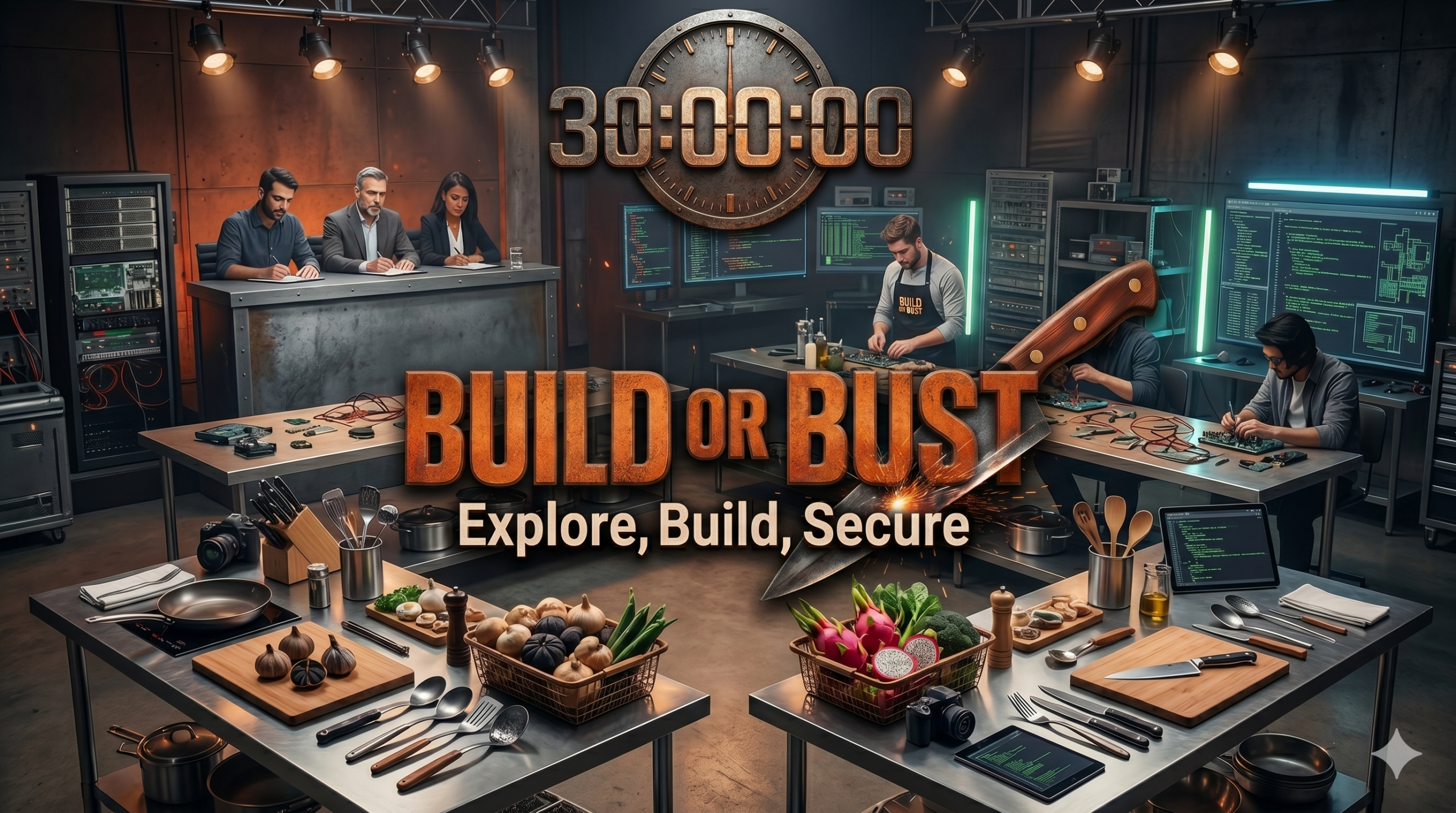
Sophos Build or Bust
Sophos Build or Bust: The AI Challenge
Think you can innovate under pressure? Put your creativity, technical skills, and security mindset to the test.
Teams of two or three receive a surprise scenario and a mystery basket of data and AI tools. Design, build, and demonstrate a working solution within 90 minutes. Then explain how it would be secured, governed, and used responsibly in a real-world environment.
- Bring your own laptop to build and present with your team.
- Demonstrate innovation and security best practices under real-world time constraints.
- Open to students, IT professionals, and cybersecurity practitioners.
- Prizes for first, second, and third place. The first-place team in each session will take home a brand-new 3D printer.
Register at the conference check-in desk on a first-come, first-served basis. Registration closes when a session reaches capacity.
Saving a session in My Watch helps plan your day; it does not reserve a competition seat.
Explore. Build. Secure. Compete.
Plan your session →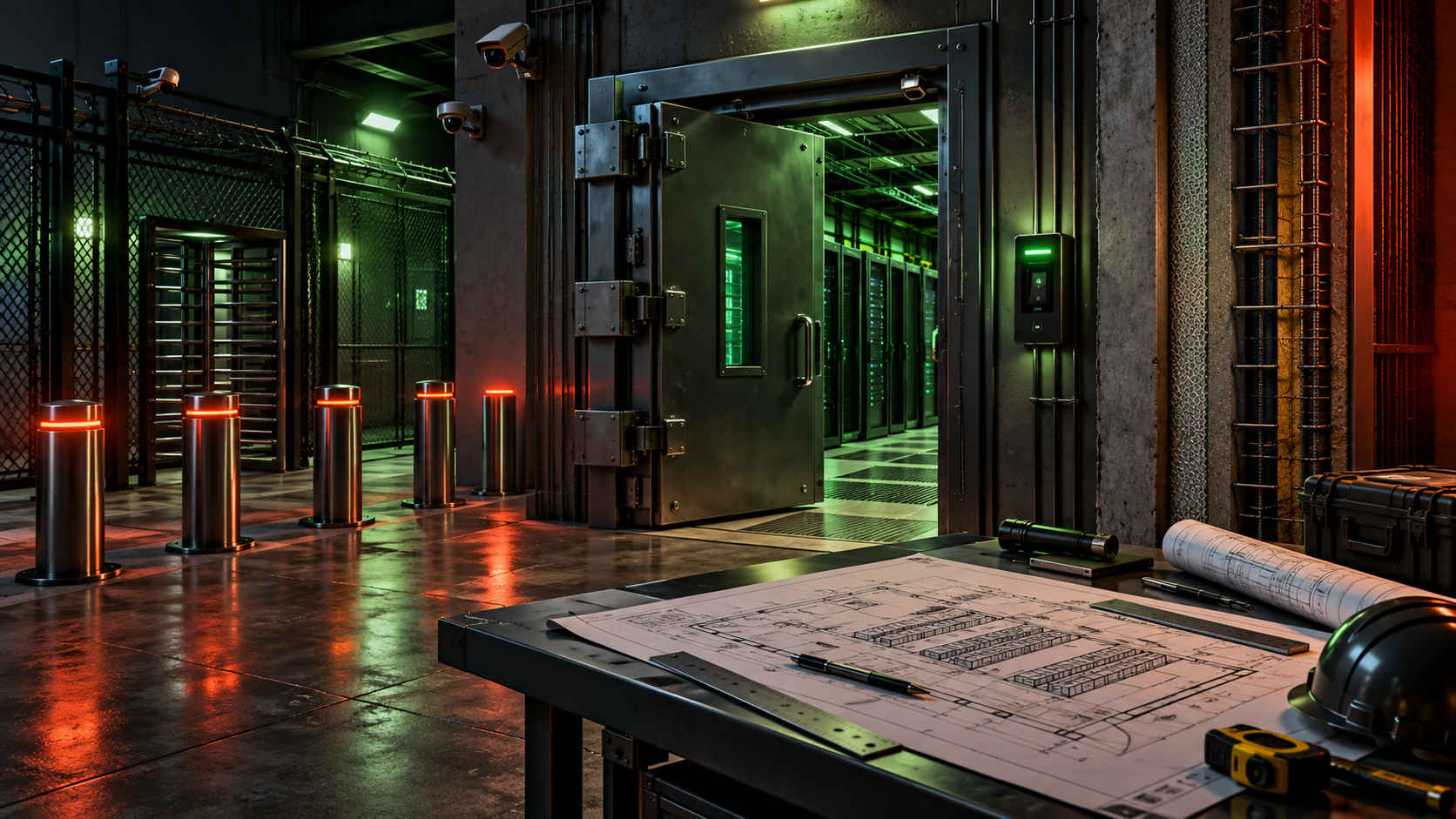
Physical Security Architecture and Design
With Keith Pachulski
Physical security designs often assume somebody is coming to help. What happens when there is no response force—or the response force is the threat? Explore how physical controls can buy time when the door is the defense you control.
9:00 AM–noon, then 1:00–2:00 PM
4 hours of workshop time
Lunch break: noon–1:00 PM
Keith brings about 25 years of experience across offensive cybersecurity, physical security architecture, and federal program support. He founded Red Cell Security and works across the boundary between the fence and the firewall.
View in the schedule →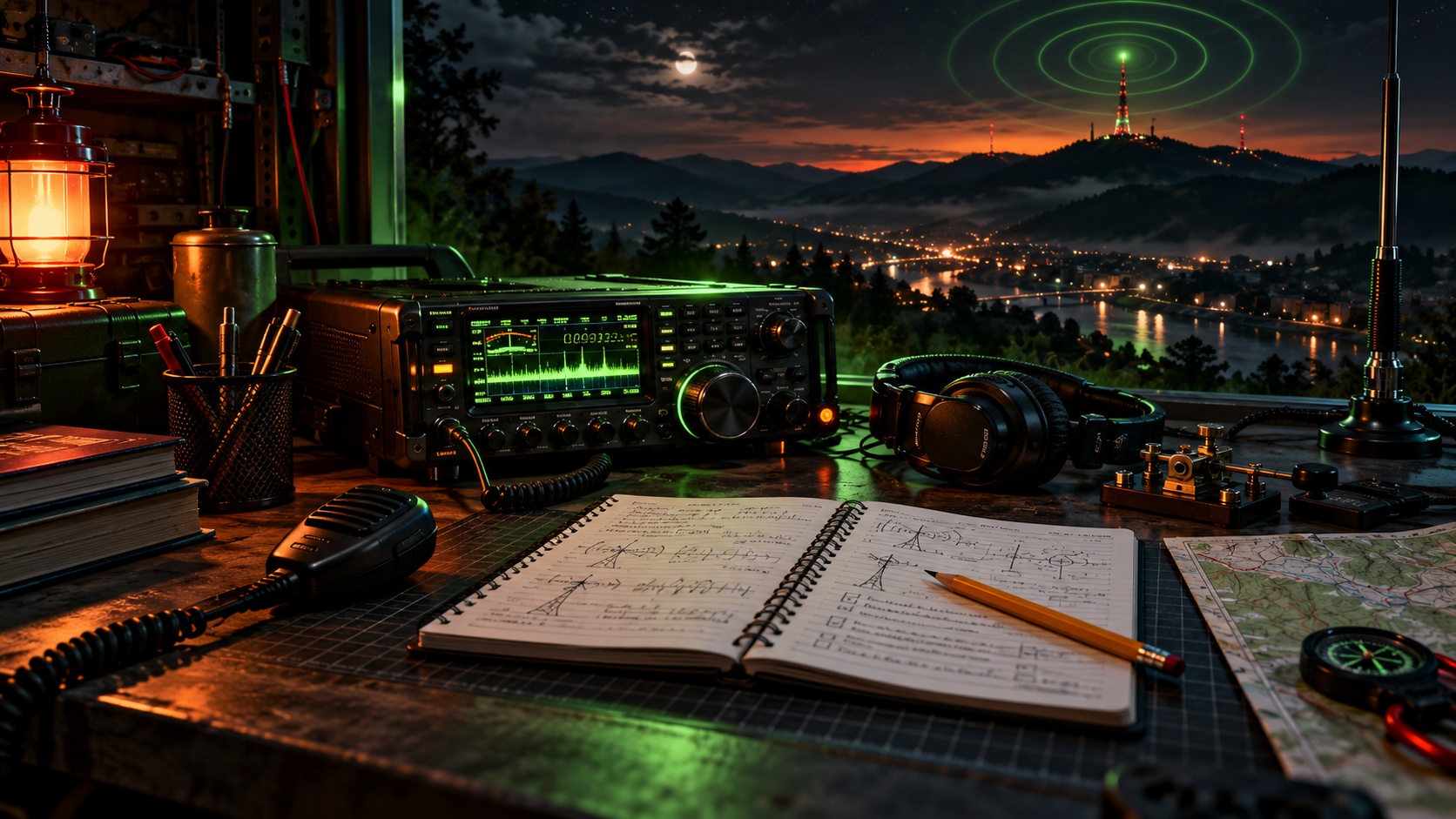
Ham Radio License Exams
Get licensed. Get on the air.
Ready to take the next step into amateur radio? SecureWV is hosting FCC Amateur Radio license examinations. Exams for all license classes will be available. Build skills for emergency communications, public service, STEM education, radio experimentation, and your local community.
Room 202 · 2-hour exam block
Exam fee: $15
Prepare before you arrive
Obtain an FCC Registration Number (FRN) before arriving. An FRN is required for the licensing process and helps streamline your testing session.
Register through FCC CORES →
FCC guide to getting an FRN →
What to bring
- A valid government-issued photo ID
- Your FRN information
- If you already hold an amateur radio license and are upgrading, a copy of your existing license